Curling Up
I spent Sunday morning (and some of the evening) with Curl and a tutorial. These are simply my course notes.
Curl is a bash/command line application that lets you do multiple different things. I use Linux, so Curl comes as standard. I believe it also comes as standard on a Mac. It used to be a bit of a faff on Windows, but now it comes as standard on W10 and 11.
To download a web page, do this:
curl -L https://www.bbc.co.uk/sport/rugby-union > beebrugbyunionpage.html
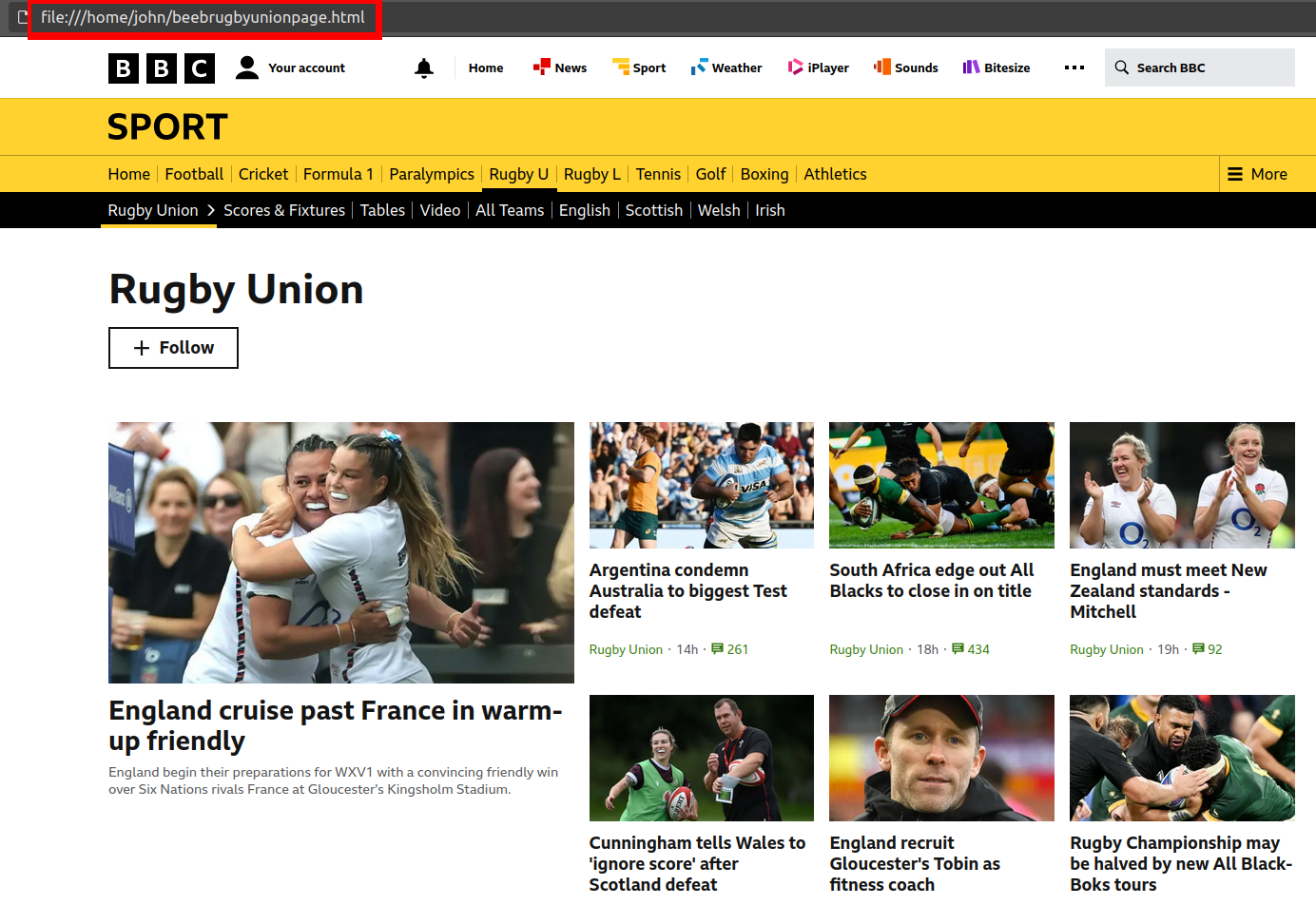
What the above will do is download the source code of the rugby union web page into a file called beebrugbyunionpage.html, which you can then open in your browser. The response in the command line will look like this:

If you then find your file in your file manager and open it, you will see the web page, thus (note the "URL"):
For the sake of understanding, let's get rid of this bit: "> beebrugbyunionpage.html". So, we're now running:
curl -L https://www.bbc.co.uk/sport/rugby-union
The above command will return all the source code to your command prompt, thus:
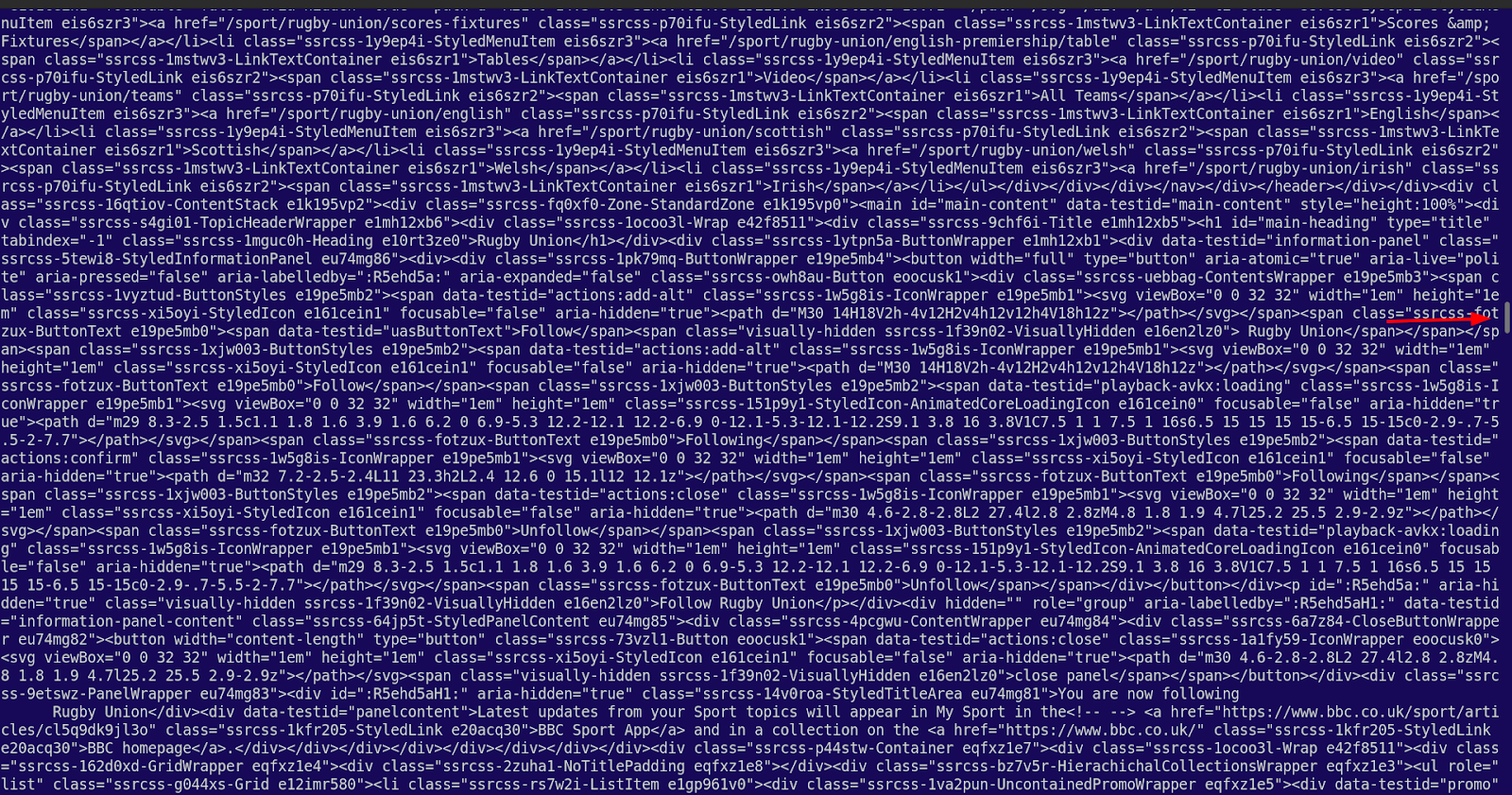
And, as you can see from the position of the scroll bar, it goes on a bit. The point is, though, if you copied all of it and saved it in a file with an .html extension, you would have exactly the same file as the one created by "> beebrugbyunionpage.html". The -L switch tells Curl to follow redirects, which are very common.
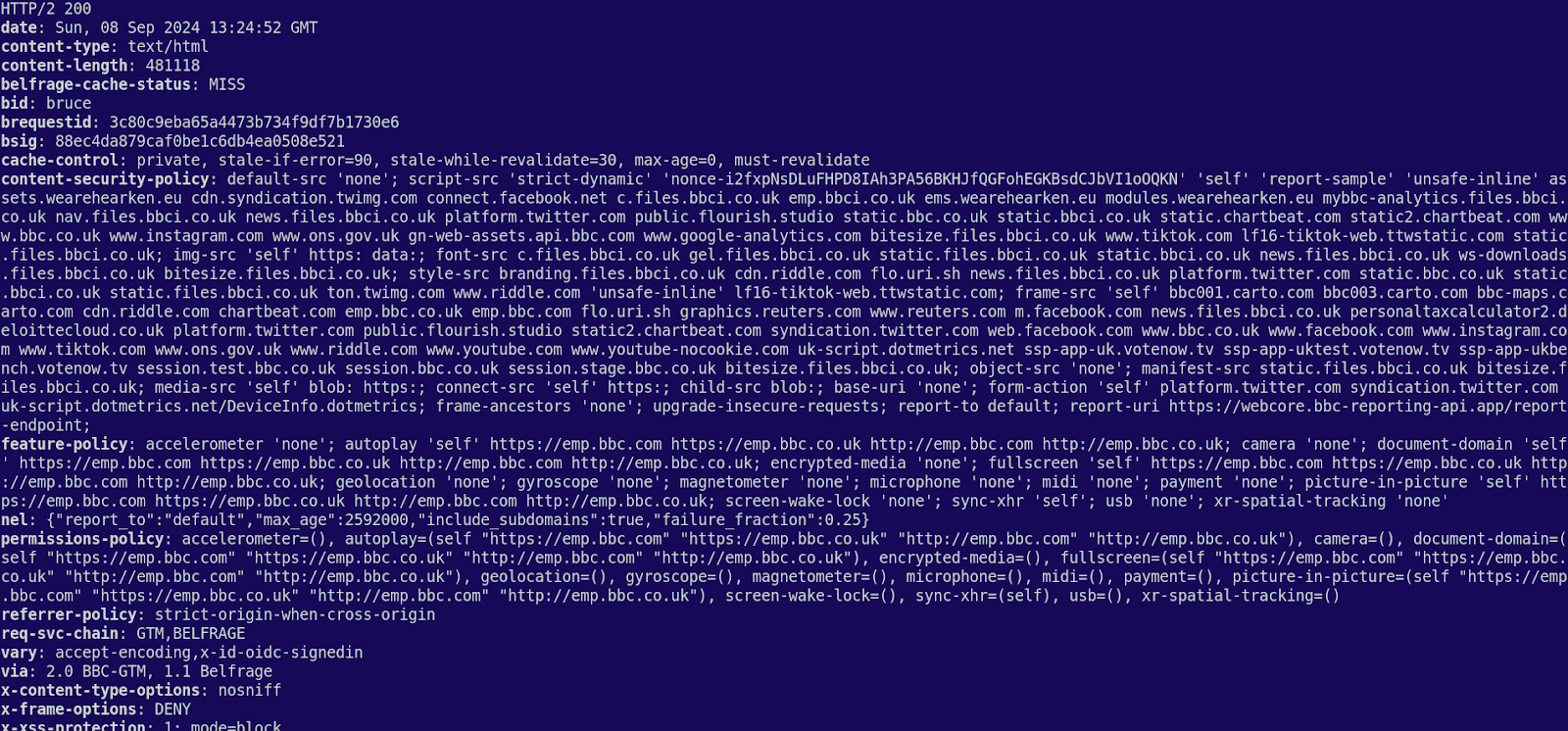
<>If you wanted to get only the headers from the same page, you would do the following:curl --head https://www.bbc.co.uk/sport/rugby-union
Which would return something like this:
Just for the sake of it, I tried this:
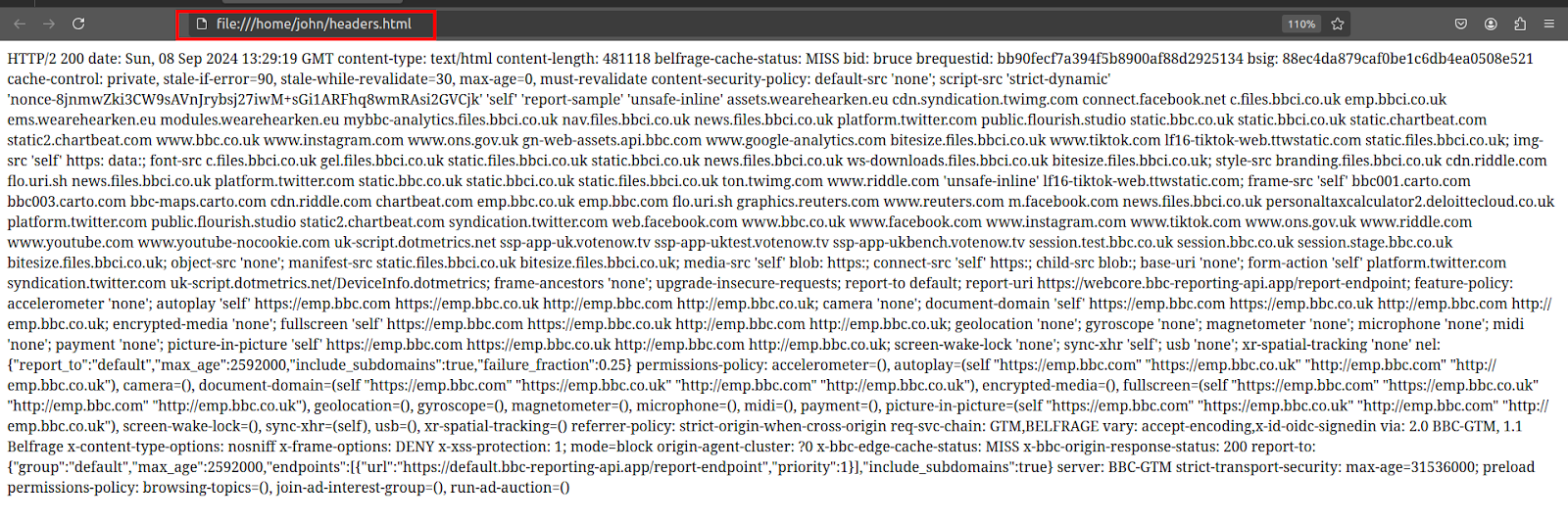
curl --head https://www.bbc.co.uk/sport/rugby-union > headers.html
When you open that in a browser, it looks like this:
Note: curl -I with the URL will also bring back only the headers. As far as I can gather, curl -I and curl --head do exactly the same thing.
I had some chat on Mastodon while I was doing this and someone sent me this:
curl parrot.live — which will give you a boogying ASCII parrot.
And this:curl http://wttr.in/Plymouth — which will give you the weather in the named town. It looks like this in the command line:
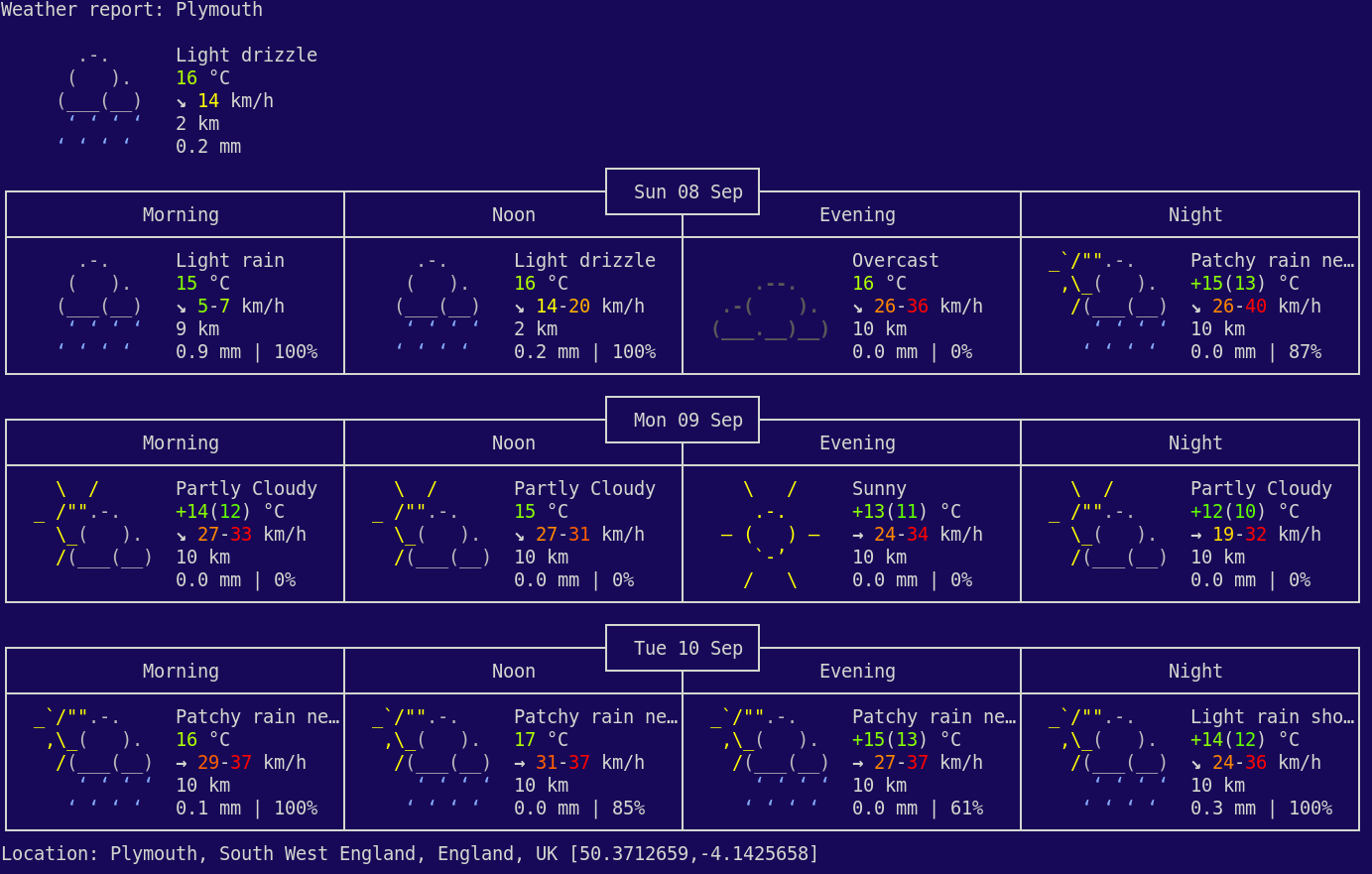
And this:
curl qrenco.de/example.eu — will create a QR code for the stated link. I'm a bit suspicious of QR codes and deliberately don't have a phone that can read them.
To get details of the client-server interaction, do the following:
curl -v https://www.bbc.co.uk/sport/rugby-union — which will return a lot of detail.
curl --trace file.txt https://www.bbc.co.uk/sport/rugby-union — which will produce a file called file.txt with a lot of detail and looks something like this (though it goes on for a bit):
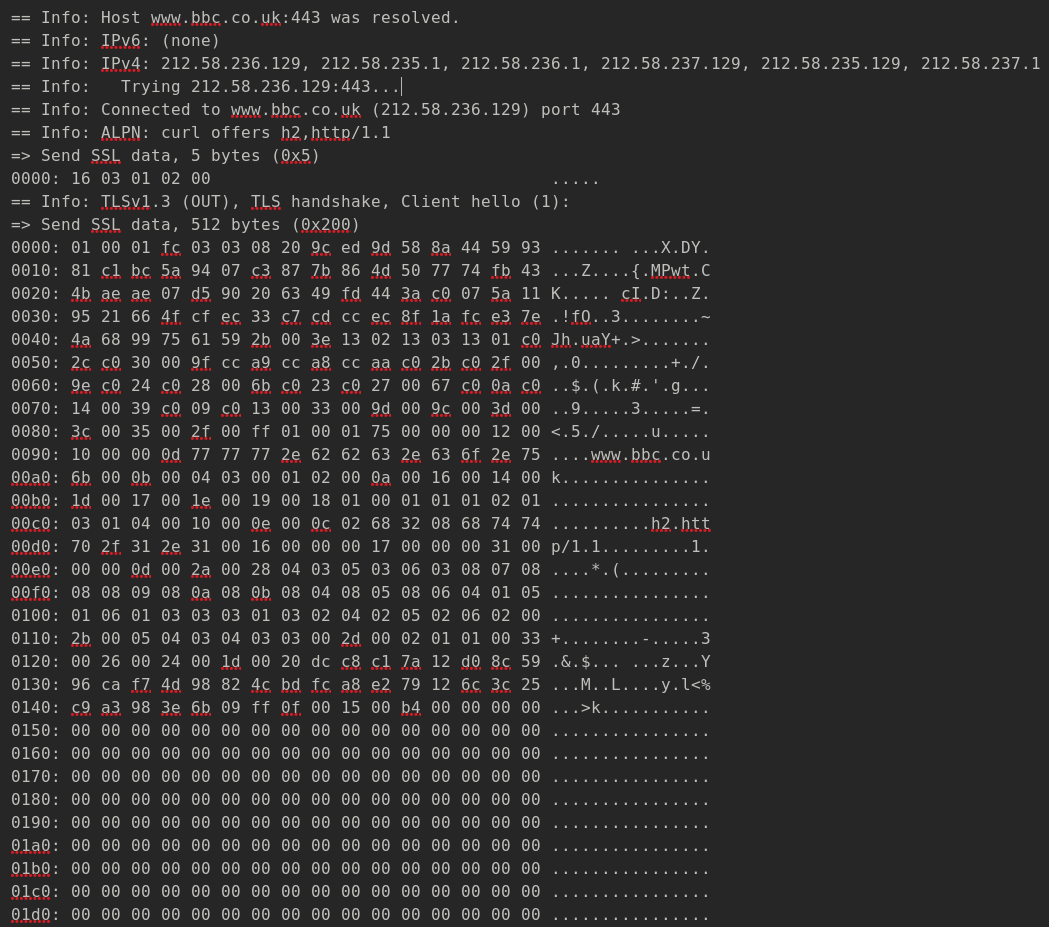
Don't know why the below isn't exactly the same, but it isn't:
curl --trace https://www.bbc.co.uk/sport/rugby-union > file2.txt -- produces the following error: "curl: (2) no URL specified"
To send headers in a request, do the following:
curl -H "Accept:SomeHeader/JSON" https://reqres.in/api/users/2 — Apparently, the following is what's expected, though I'm not sure why:

And now for a POST request:
curl https://reqres.in/api/users --data "name=morpheus&job=leader" -- this will return the following:

It's somewhat different, however, if you want to use the entire JSON, which looks like this:
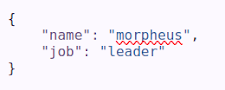
I have to get this in a single line, so: {"name": "morpheus", "job": "leader"}
So your curl should look like the following:
curl -X POST -H "Accept:application/json" https://reqres.in/api/users -d '{"name": "morpheus", "job": "leader"}'/
And this is what you're after by way of response:

And similarly a PUT request (with -i added to get the headers):
curl -i -X PUT https://reqres.in/api/users/2 -d '{"name": "morpheus", "job": "accountant"}' — returns the following:
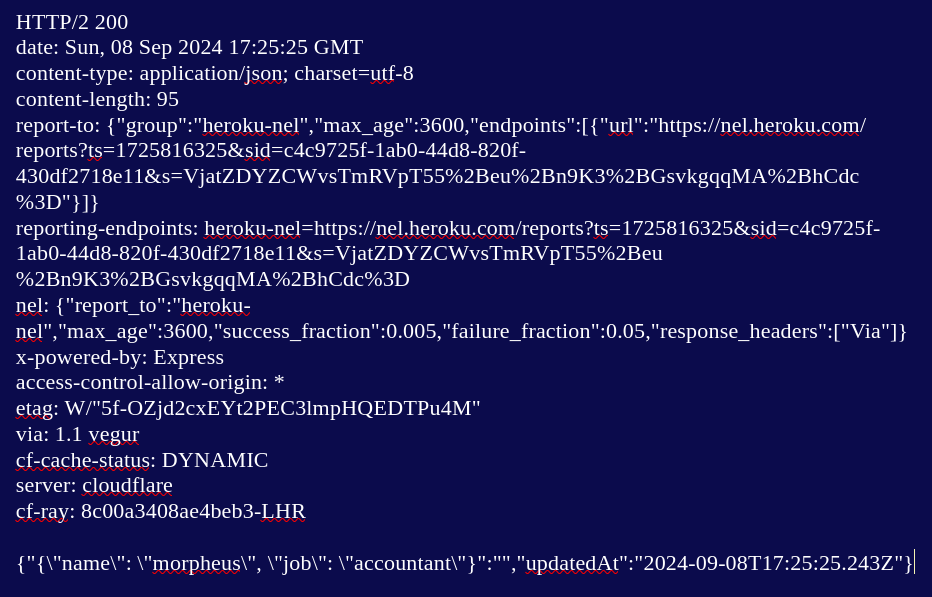
And, finally, before I curl up into a ball, a DELETE request:
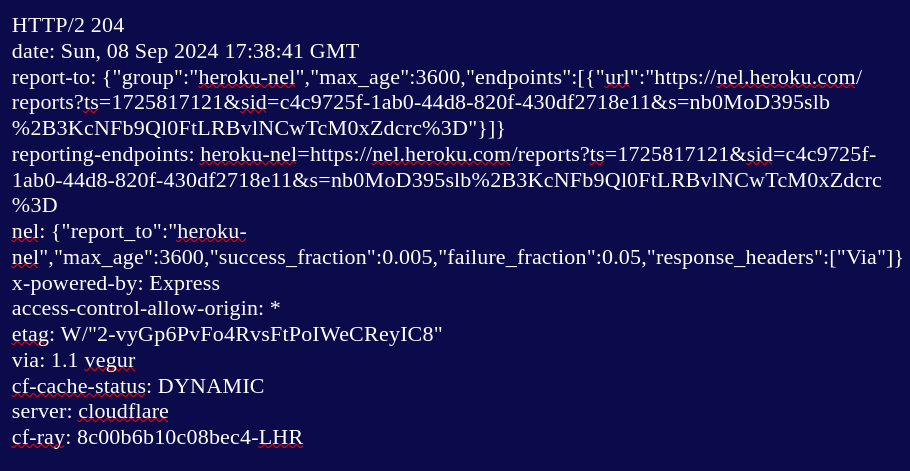
curl -i -X DELETE https://reqres.in/api/users/2 -- and you should get the following response (204 means it's been deleted):
Apparently, there's a lot more you can do with Curl, but that's for another day. But you could try pointing it at a website page and direct the source code into a file, thus:
curl https://anexamplewebsite.com/2024/09/ > myfile.html — if you navigate to the file in your file manager and open it in your browser you will see the page.